
Technology Feature
Systec Connect: All autoclaves at a glance
The platform with which you can easily access all information about your autoclaves from the office.
More overview.
Less effort.
Unclear processes, scattered data and insecure operation cost valuable time every day. This is especially true when several devices or changing users are involved.
To make everyday laboratory work even more efficient, safe and traceable, you can link our autoclaves to the modular Systec Connect platform and view all relevant information centrally.
Live monitoring without inspection rounds
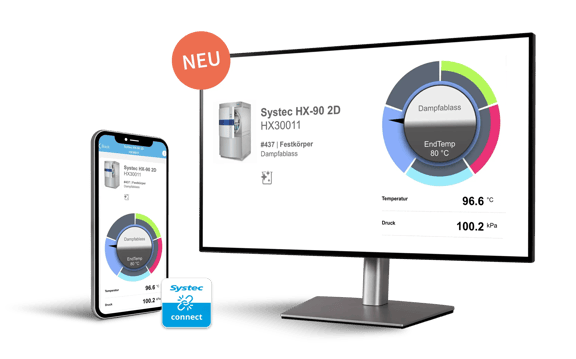
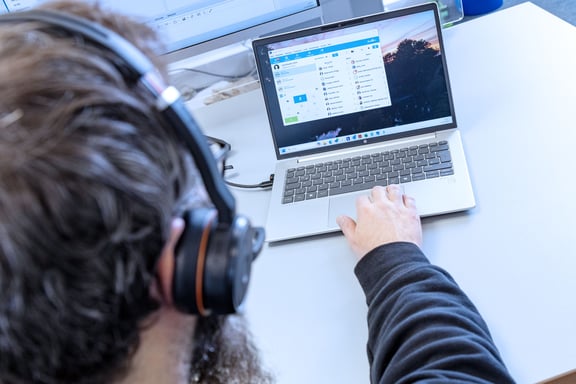
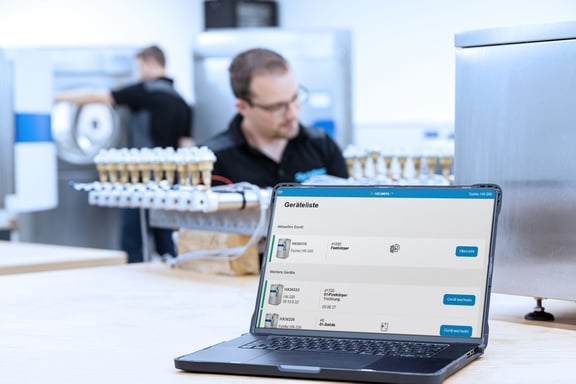
Systec Connect DS is the central module for documenting the platform. You can easily access all autoclaves in the network via the browser.
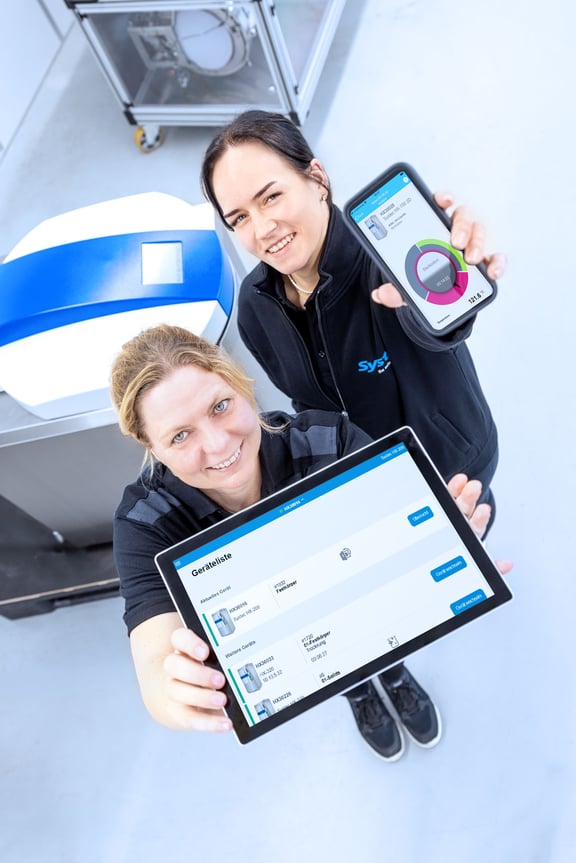
The user interface is intuitive, so that all information can be accessed with just a few clicks. With the app, you can keep an eye on your processes even when you are on the move.
This makes the documentation of your sterilization processes transparent - live, clear and without the need for inspections .
Your advantages
- Real-time monitoring via the browser
- Colored status displays
- Only accessible for authorized users
-
No changes possible (Read Only)
- Access to process, error & audit data
Securely networked. Simply integrated.
All you need is a stable network connection for your Systec autoclaves.
The devices can be integrated directly into your network via the integrated Ethernet interface.
This makes data transfer and evaluation reliable. No special software is required.
Your advantages
- Works in every browser
- No additional software required
- Fast integration into the network
- Free app for Android & iOS
Standard features
Internal memory
Internal storage of process data (at least 10 years)
Electronic data output
Export as PDF/CSV via USB or network
Compatibility
with Systec-DX, -VX & -HX series
Mobile app
Ethernet interface
The programmable logic controller of our autoclaves is equipped with an Ethernet network connection. This allows the device to be integrated into existing laboratory networks. The network settings can be made in the user interface with the appropriate authorization.
The Ethernet interface (RJ45) on Systec devices is used to integrate the system into a local area network (LAN) and for reliable data communication with higher-level systems. Process, measurement and status data can be transmitted via Ethernet, for example for connection to Systec Connect DS, for integration into SCADA systems and for standardized data exchange via OPC UA.
Alternatively, depending on the version, a connection via WLAN is also possible if a wired network connection is not to be used.
Optional
Wi-Fi connectivity
WLAN connection for the autoclave
OPC-UA interface
For integration into external software systems such as LIMS or SCADA
Save-to-Folder
Advanced 21 CFR Part 11
All data can be downloaded from the autoclave as PDF and/or CSV (Excel) files via USB.
Both the PDF and CSV files are electronically signed by the autoclave. This electronic signature can be clearly assigned to the respective autoclave. It also indicates whether the exported files are valid. Any attempt at manipulation results in the respective file being immediately marked as invalid.
The Advanced CFR 21 Part 11 solution also includes
Extended user account control: this includes, among other things, an individual or global program list per user as well as the assignment of the user to a customizable group (for example user, supervisor, administrator, cleaner, etc.) with individually adjustable rights.
Audit trail: All actions (e.g. changing parameters or starting or stopping sterilization programs) are documented and can be traced back to the respective user via a timestamp (date/time).
Up to five fields for electronic signatures to sign the exported PDF or CSV files on a PC (or another device that enables electronic signing of documents). Electronic signatures are not included in this option.
Secure processes.
Clear data.
As no external software is required, your data remains in the internal network. Access is exclusively via personal user accounts. This means you retain full control over all information.
Your advantages
- Secure data integrity
- Electronic signatures
- Automated processes
- Restricted user input